Table of Content
Windows support has been described in more than one way. Before downloading a desktop file, confirm whether the current method is a verified native Windows build or an Android-emulator route.
For that reason, this page does not label a Windows download as official or native unless that can be independently verified.
Current Windows Status
Native Windows vs Emulator
A native Windows application runs directly on Windows. An emulator runs the Android version in a virtual Android environment on the PC. These have different system requirements, file types, performance characteristics, update procedures and security considerations.
PC Requirements
Requirements depend on the current Windows method. For an emulator route, the practical requirements are the emulator’s requirements plus enough processor, memory and storage capacity to run Roblox reliably.
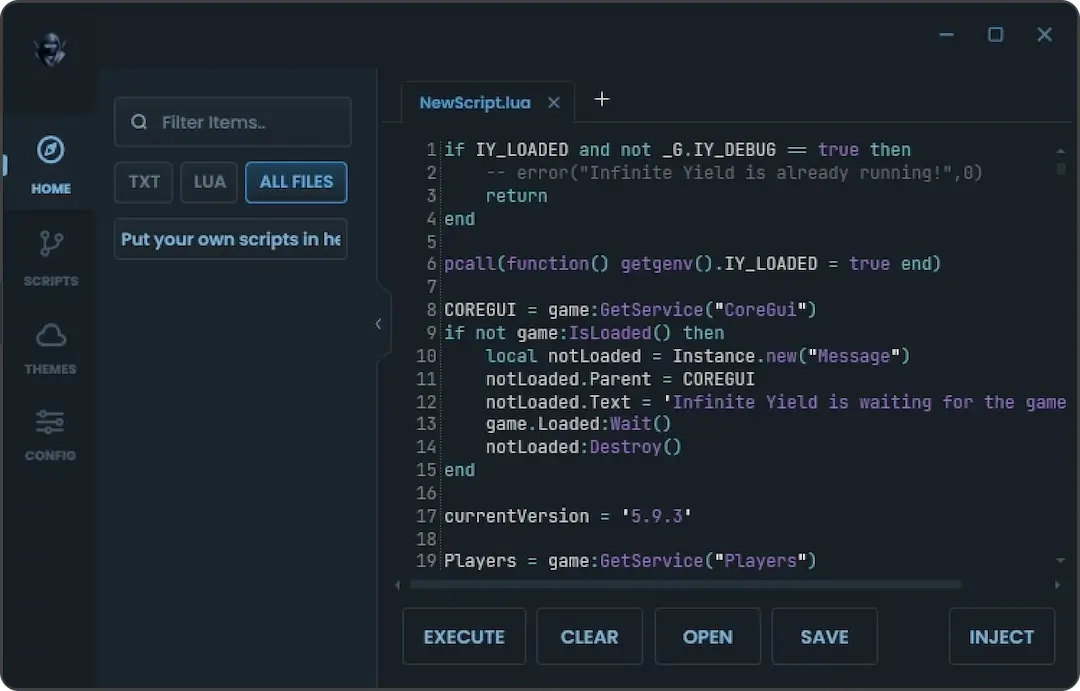
Using Delta Through an Android Emulator
Where this route is current:
- Install a reputable Android emulator from its official source.
- Configure the emulator.
- Install the current Android Delta APK inside the emulator.
- Install or launch the relevant Roblox environment.
- Complete the normal Delta setup.
Do not download a mysterious “PC converter” merely to turn an APK into an EXE.
Common PC Problems
Emulator Is Slow
Allocate reasonable system resources and close unnecessary programs.
Delta Does Not Open
Check whether the Android build works in that emulator and whether the current release has known issues.
Roblox Compatibility Problem
The emulator, Roblox and Delta all need compatible versions.
Unknown EXE Is Flagged
Do not automatically disable Windows security. Verify the source and file identity first.
Frequently Asked Questions
Is there a native Delta Executor for Windows?
Check the current Windows status above. Treat an EXE as unverified unless the release source and file identity can be confirmed.
Can I use Delta on a PC through Android emulation?
Where the Android build and emulator are compatible, this can be a practical route.